
Georgia VINE in Whitfield County
Georgia's Criminal Justice Coordinating Council announced statewide automated victim notification in March 2024. The service runs on VINE. Its public face, VINELink, handles custody searches and notices tied to participating records. The rollout spans county jails and state prisons alike. Even so, what you see still depends on the source record, your matching details, and data delivery. The WCSO P2C roster is the county's direct custody screen. VINELink serves as the alert layer and the broader statewide search. The GDC locator covers state prisoners. These tools share names but not purpose. None is a complete arrest or court record.
Check a Person on VINELink
Enter only enough detail to rule out similar names.
- Open VINELink for Georgia or choose Georgia from the state selector.
- Select the person or offender search rather than a generic site search.
- Enter the person’s legal first and last name. Add an available identifier or age detail when the interface permits it.
- Review all possible matches and compare facility, custody status, and identifying information.
- Open the matching record and note its update information before registering for alerts.
Check the spelling, aliases, and the state you searched. One empty result does not mean the person was never arrested.
Whitfield VINELink Search Screens
The VINELink search page is the public entry point. Pick a jurisdiction there to begin a person search.

A search screen is only a starting point. It does not confirm that a specific person sits in Whitfield County custody, and the Georgia VINELink state page gives the state-specific route.
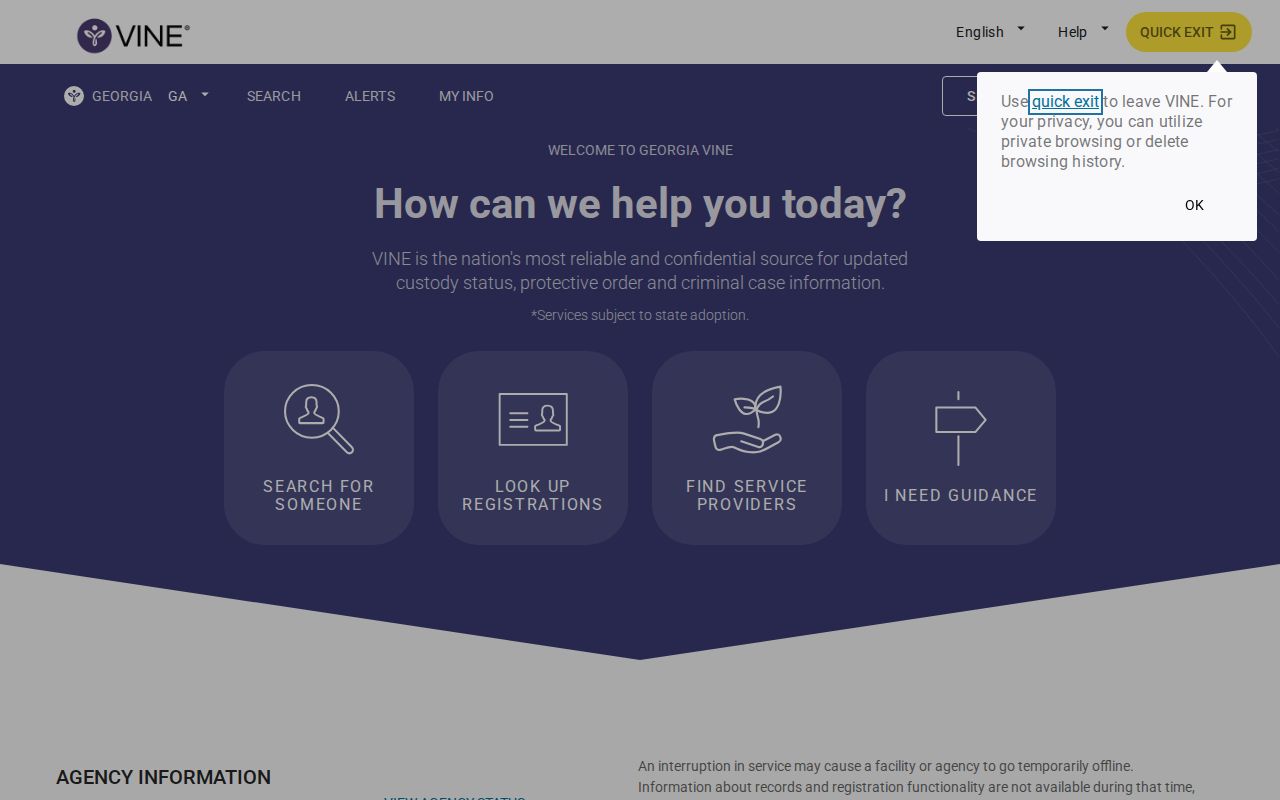
Selecting Georgia narrows the service to the statewide deployment. Facility and person details do the real matching, and the Georgia CJCC statewide VINE announcement documents the official program.
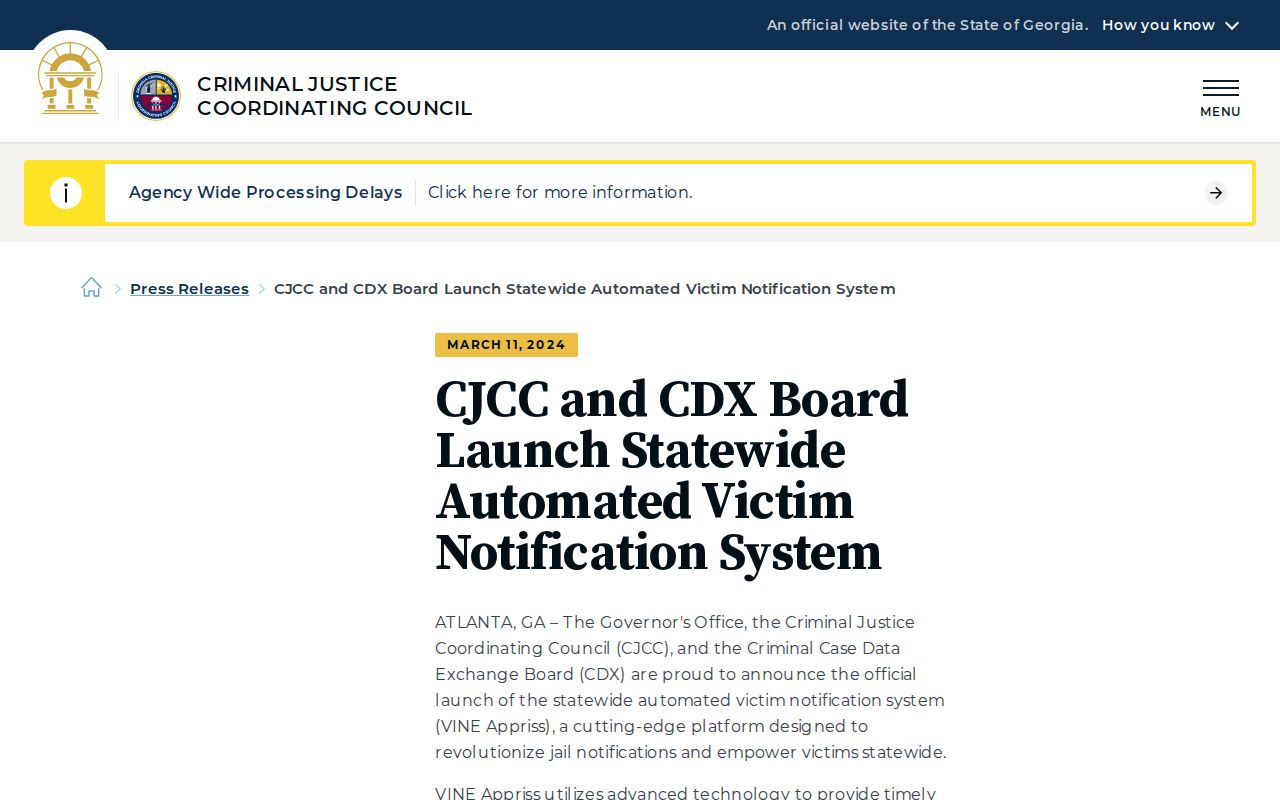
This source confirms the statewide notification framework. It makes VINELink no county booking archive.
What a VINELink Record Shows
Fields vary with the agency and record. Read what is there instead of assuming a blank field carries meaning.
| Record element | How to use it |
|---|---|
| Name or offender identity | Compare with another identifier to avoid a false match. |
| Custody status | A status snapshot that may change after release or transfer. |
| Facility or agency | Shows which participating system supplied the current record. |
| Offender or booking identifier | A stronger matching field when one is displayed. |
| Notification options | Supported event and delivery choices available for registration. |
| Update information | Helps judge whether a fresh booking or change may still be moving through the system. |
Note: VINELink’s custody status is not the court disposition and does not prove guilt on a booked charge.
Register for Georgia Custody Alerts
Once the right record is open, registration links it to a chosen notice channel. Georgia materials list phone, email, text, and TTY access. Live options depend on the service.
- Select registration or notification from the matched person’s record.
- Choose the supported event types, such as release, transfer, escape, or another custody change shown by the service.
- Enter a phone number, email address, or text destination offered by the interface.
- Create or enter a PIN when phone registration requires one. Keep it private because it confirms receipt.
- Complete the confirmation step and save the record identifier or registration details.
- Return to the live record or contact the facility if a notice conflicts with current information.
Registration is free, per Georgia VINE program materials. Your device or carrier terms may still apply.
Alerts Support Safety Planning
A VINE notice can spare you repeated manual searches. Still, it should support a personal safety plan, not replace one. Delivery can fail for many reasons. Data timing, contact settings, a full mailbox, blocked calls, or changes in the agency's record can all interrupt it. Keep your contact details current. Do not lean on one delivery method for an urgent concern. The sheriff's office lists no booking app. P2C is a responsive web service, and Georgia VINE supplies the documented alert route. That distinction matters. It keeps an unofficial app or commercial listing from being mistaken for the sheriff's source.
Note: Save the facility’s direct contact information before it is needed, especially when a custody change has immediate safety implications.
Fresh Whitfield Bookings Can Lag
A person can reach the Whitfield County Detention Facility before any public record catches up. Booking steps, fingerprinting, photography, transfer, review, data entry, and interface refresh all sit between the arrest and its online visibility. No WCSO or VINE guarantee covers instant appearance. Check the official WCSO Recent Arrests catalog first. Then try the official inmate roster. The local same-day procedure is explained at Arrests Last 24 Hours. If the matter is urgent and lawful, call WCSO at 706-278-1233. You can also use the appropriate detention contact rather than waiting for an alert.
County, State, and Federal Limits
VINELink does not replace every custody locator. A fresh Whitfield County booking belongs first in WCSO P2C. A sentenced state prisoner belongs in GDC Find an Offender. Federal custody needs the BOP inmate locator. Immigration custody uses a separate ICE locator. After a transfer, one system may have changed while another has not. That gap can last a short while. A released person can drop from the live WCSO roster. The arrest record, booking photo, news copy, or court case may still exist. Event Search and WCSO Records are the better paths to the underlying agency record. VINELink may notify on release. But it is no archive and cannot show how a charge ended.
Verify Identity and Court Outcome
A common surname can pull up several people. Check the spelling first. Then compare age or birth detail, the record identifier, the facility, and the arresting agency. Never match on a photo alone. If two records conflict, call the facility that holds the record rather than picking whoever looks closest.
Some details never appear in a custody record. Juvenile files, sealed material, victim data, and medical information stay protected. Whitfield court records hold the final case result. For that, go to the clerk.
When a status changes, write down the details before you call. Note the facility, the identifier, the exact status wording, and the time shown. A release notice says little by itself. Bond, a completed sentence, or a transfer can all look the same from the outside. The jail or the court supplies that context. A transfer notice may simply mean another participating agency now holds the record.
WCSO Records handles agency-held booking files. Detention Central Control answers questions about people in custody and bond approvals. Neither role matches what VINELink does automatically. Ask Records for history, the facility for a live custody fact, and the clerk for a final outcome.
Alerts need upkeep too. After a phone number or email changes, reread your registration and keep messages from being blocked. Guard the phone PIN and keep the record identifier handy for updates, and trust the current record screen over any older flyer.
How Custody Events Affect Alerts
An alert only fires after an event enters the participating custody record. Release and transfer are different events. A release can end Whitfield County custody. A transfer moves the person somewhere else. That could be another jail, the Georgia Department of Corrections, or another participating authority. The notice wording and the facility field tell them apart, though neither explains the court order or sentence behind the move.
An unexpected notice deserves a fresh look. Skip any stale saved page. Open the current VINELink record, compare the WCSO inmate roster, and call the named facility. State custody calls for GDC Find an Offender. Federal custody needs the federal locator, since VINELink and P2C cannot stand in for it.
No service can guarantee instant delivery. The source data must change, flow into the statewide system, and reach your phone, text, email, or TTY channel. Devices and carriers add delay. Treat Georgia VINE as one piece of a safety plan, and keep the right agency number close.
When VINELink Finds No Match
A blank result can mean many things. A misspelled name, an alias, or a fresh intake will hide a record. So will a transfer, a release, protected information, or custody outside Georgia. Retry the legal name with fewer filters. Check name variations and confirm Georgia is selected. For a fresh Whitfield County arrest, check WCSO P2C.
Skip unofficial booking sites. The county roster answers local custody, Records handles the booking file, and the court answers disposition. VINELink tells you whether a matching custody record exists and whether alerts can be registered, and that boundary is what makes it safe to use.
Public Record Search
Sponsored Results